A team with clear roles
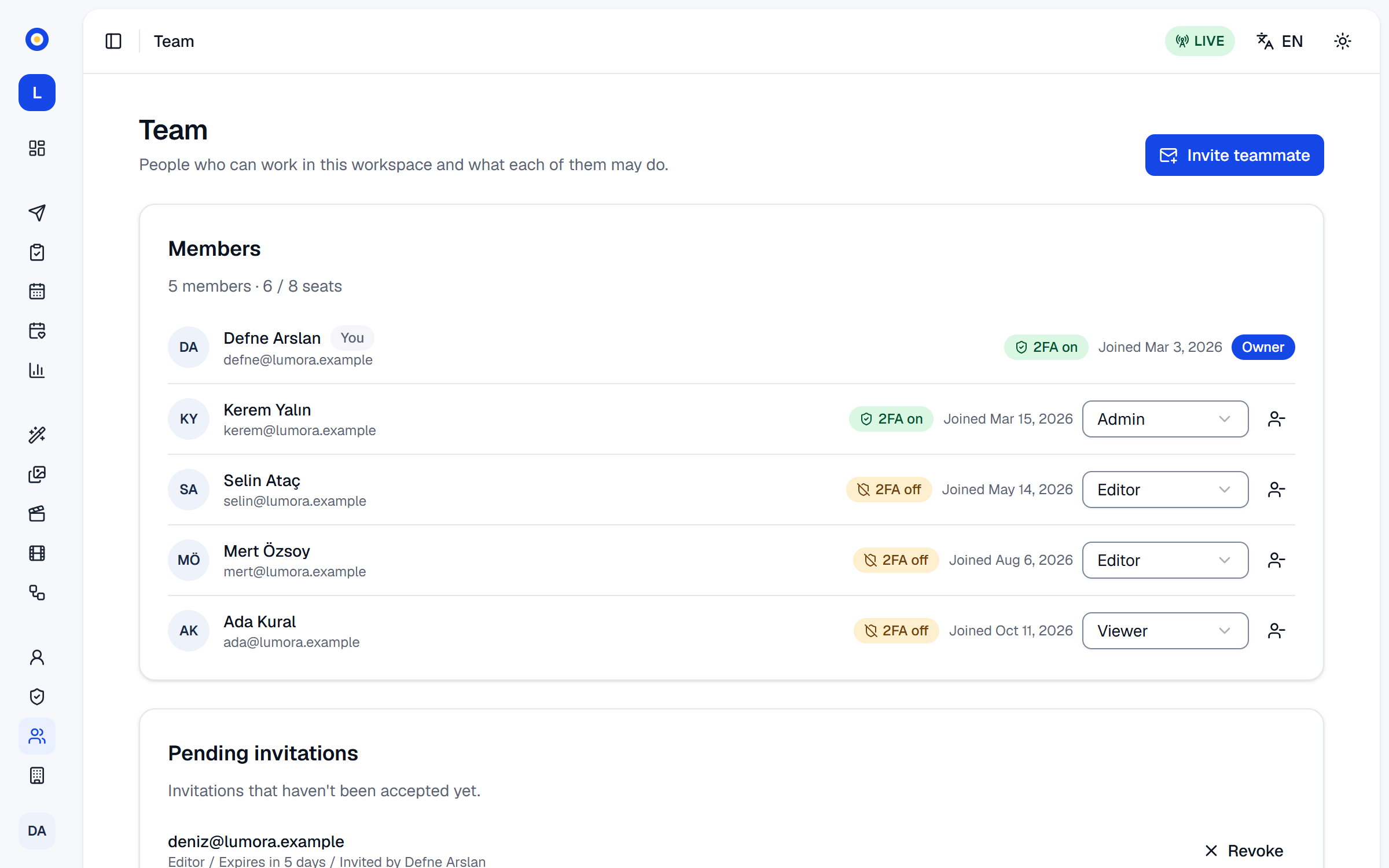
Invite the people you work with, each with an account of their own and one of four roles: viewer, editor, admin or owner. The approval rule decides whose posts wait for a look, and the audit log shows who did what.
How it works
Invite by email
Owners and admins invite people from Settings › Team. Each person joins with an account of their own, so nobody shares a password.
Give each person a role
Editors make and plan posts but can't change settings, connect accounts or buy anything; admins approve posts and run the settings; viewers look without changing anything.
Decide what waits
Your approval rule makes only what the AI and automation write wait for an approver, also what editors write, or nothing at all.
Keep the door locked
Two-step verification for yourself, or required for the whole workspace, and signed-in devices you can sign out.
Good to know
- The audit log records who did what, and when; owners and admins can search and filter it.
- SemPost checks the role with every action, not only in the menu.
- When a member is removed or given a lower role, the invitations they sent and that are still open are revoked.
- Each person manages their own profile, password and data, and accepts the Terms of Service for themselves.
- Members and pending invitations both count toward the plan's team size.
- Only owners allow AI assistants in the workspace and connect them, and every change an assistant makes is in the audit log.
Which plans include it
Every plan includes roles, invitations and the audit log; plans differ in how many people the workspace holds, pending invitations included.
7-day trial
3 team members
Starter
1 team member
Growth
3 team members
Pro
8 team members
Agency
20 team members
Step by step in the help center
The guides walk through every screen, with examples.
- Invite your team and choose rolesInvite people by email, give each one the right role, and manage pending invitations, roles and seats.
- Roles and what each can doWhat viewers, editors, admins and owners can see and change in each part of SemPost, area by area.
- The audit logSee who changed what in your workspace and when, search and filter the entries, and know what is recorded and what happens to it.
- Two-factor authenticationAsk for a code from your phone at every sign-in, keep recovery codes for a lost phone, and require it for the whole team.
See it with your own products
Seven days, 150 credits, no card. Connect a store and look at the first posts before you decide.