Everything between a product page and a published post
SemPost reads your store, makes the pictures, videos and texts, and plans them for nine networks. You stay in charge of what goes out and when.
Generate from products
Posts for every network from one product
Pick products from your store, a scene style, a tone and the accounts. SemPost writes each network's posts, makes the pictures and shows the exact credits before anything starts.
- One main scene for each product, cut to each network's size
- Seven scene styles, six tones and texts in eight languages
- The networks' own formats: Reels, carousels, pins, Shorts and more
- Generated posts wait for your approval before they are scheduled
The AI writer
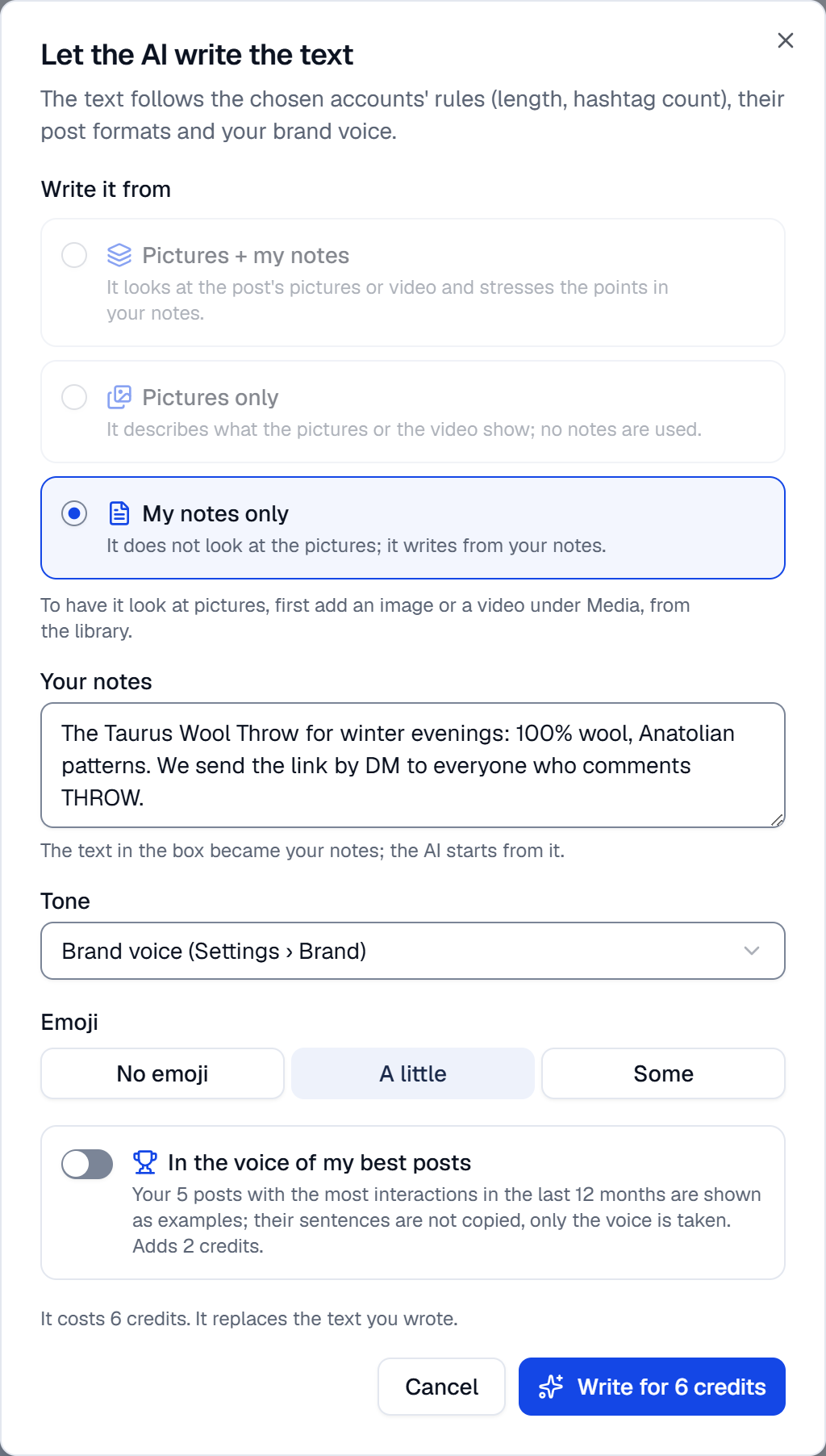
Write it yourself, or let the AI write
The composer takes one idea and makes a version for each account, within each network's limits. Your brand voice and words to avoid come along every time.
- A version for each network, in the account's own language
- In the style of your best posts, if you switch it on
- First comments on Instagram, Facebook, LinkedIn, Threads and YouTube
- Comment to DM on Instagram and Facebook, where it is available
Studio
New pictures from the photos you have
Put a product in a new scene, lay several pictures out as a collage, add text, a price tag and your logo, and turn pictures into a short video. Everything lands in your media library.
- Scenes in a living room, a kitchen, a café, outdoors or on a studio set
- Collages, text, labels and your logo, drawn for each network's shape
- Short videos from your pictures, with a motion clip if you want one
- Instagram's own music on Reels and TikTok's on videos, where allowed

Your product photo

The scene Studio made
Video Studio
Longer videos, shot by shot
Video Studio builds a video from your product's pictures and AI motion shots, scene by scene, with music, a voice-over and an ending card. Try a draft first, then make the final.
- Preset camera moves, or describe the shot yourself
- Music from the SemPost library, a voice-over and ambient sound
- Vertical, 4:5, square and wide versions of the same video
- A safe area that keeps text clear of each network's buttons

9:16
4:5
1:1
Automation
Rules that keep your accounts busy
A rule picks products on the days and at the hours you set, prepares the posts and sends them for approval, or publishes them where you allow it. Event rules follow your store: a new product, a product back in stock.
- Preview the next posts and the month's credits before you switch a rule on
- Out-of-stock products are skipped; prices and codes are checked again before posting
- A monthly credit cap for every rule, and one switch to pause them all
- Pinterest and LinkedIn posts from a rule always wait for a person
Approval and calendar
Review, then plan
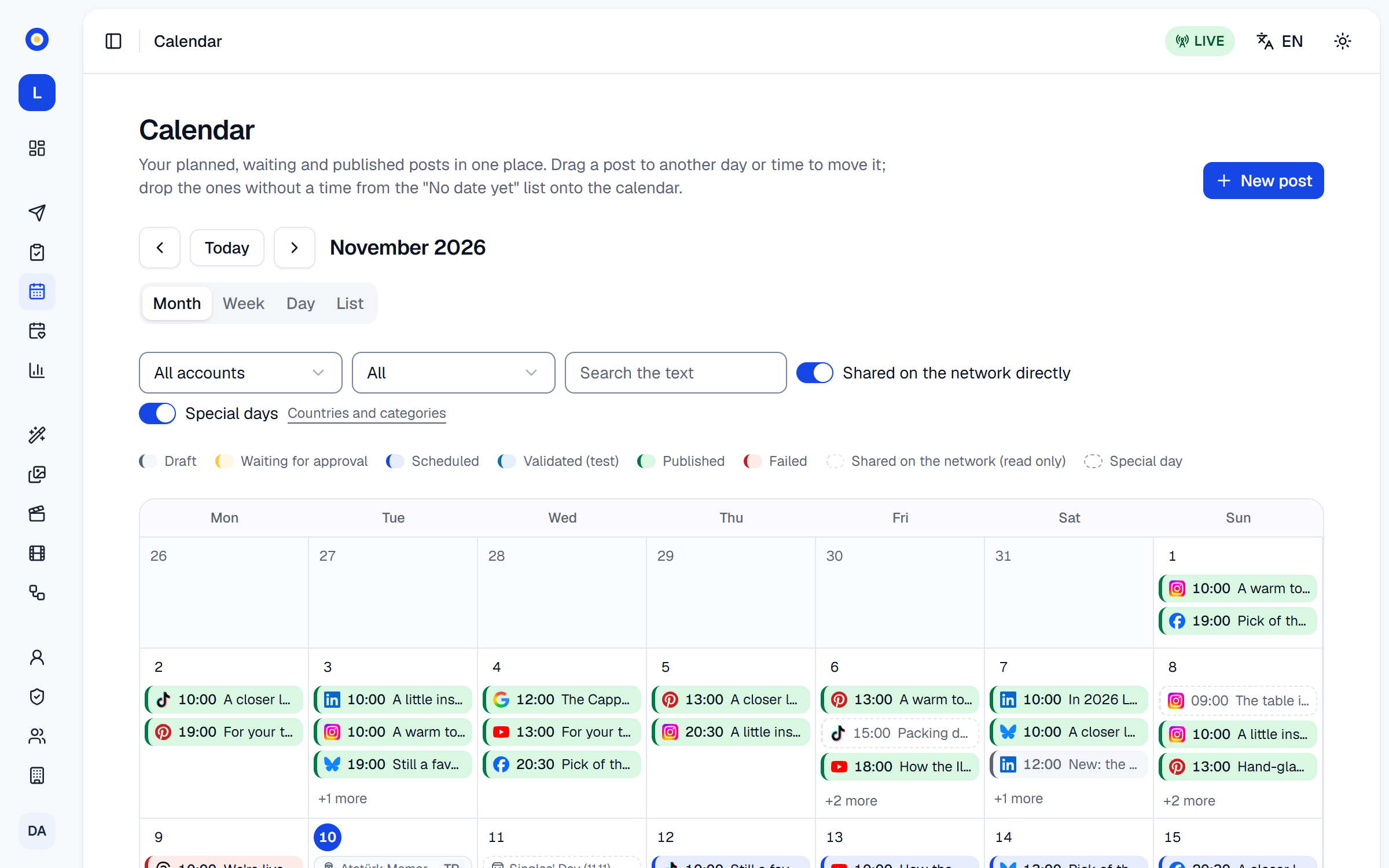
Posts wait in the approval queue until someone approves them. The calendar shows everything planned and published, by month, week or list.
- Edit a post, ask for a new picture or approve a whole batch
- Approved posts go out at your time, or at the account's best time
- Daily post limits for each account and its own time zone
- Test mode checks posts against each network's rules without publishing
Analytics
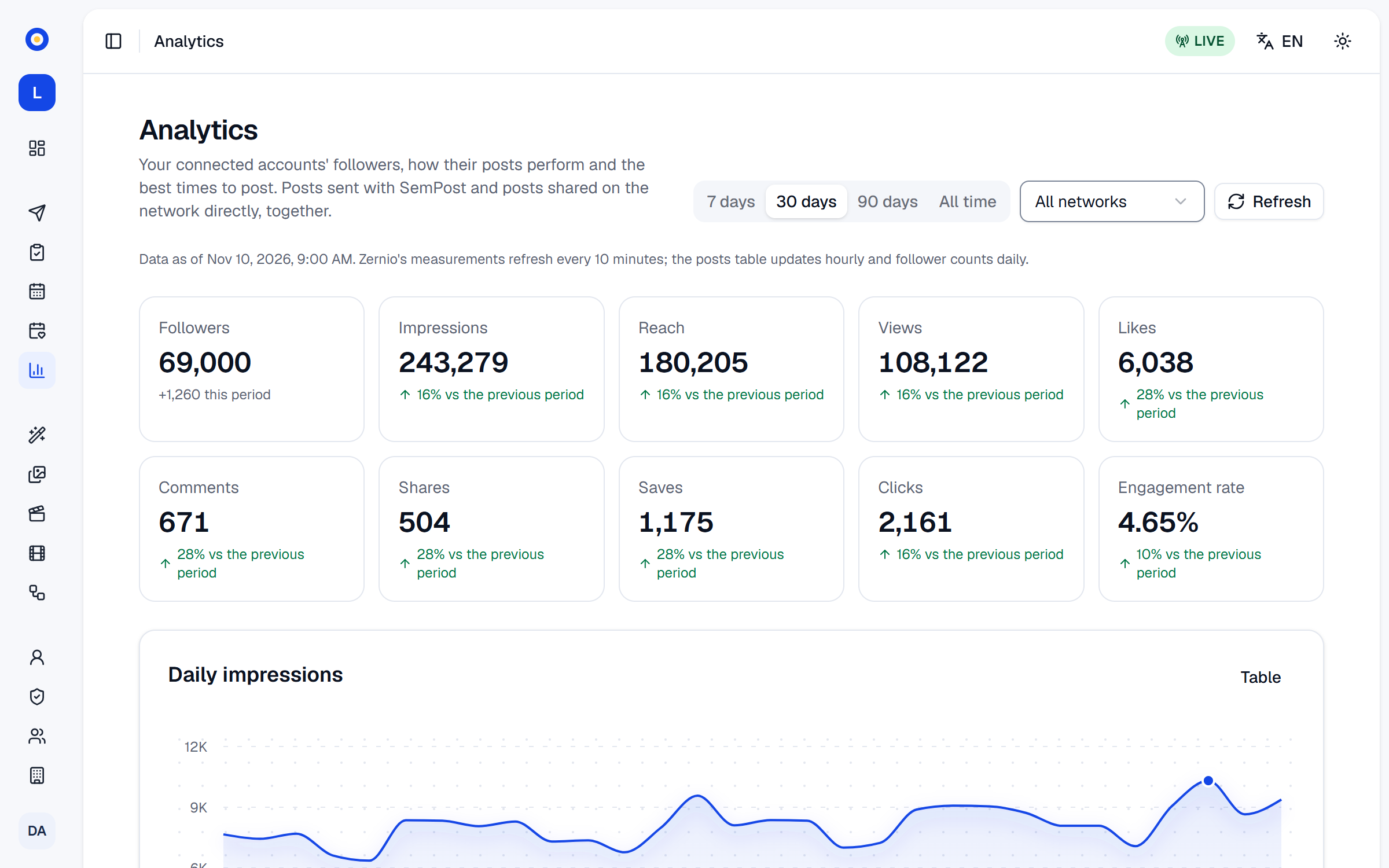
Know what works, and when
Reach, engagement and followers come from the networks themselves. SemPost finds each account's best hours and shows which posts did best.
- Best hours for every weekday, in a 3D chart
- The period's top posts and the full posts table
- 30 days to 12 months of history, by plan
Brand and AI models
Your voice, your models, your budget
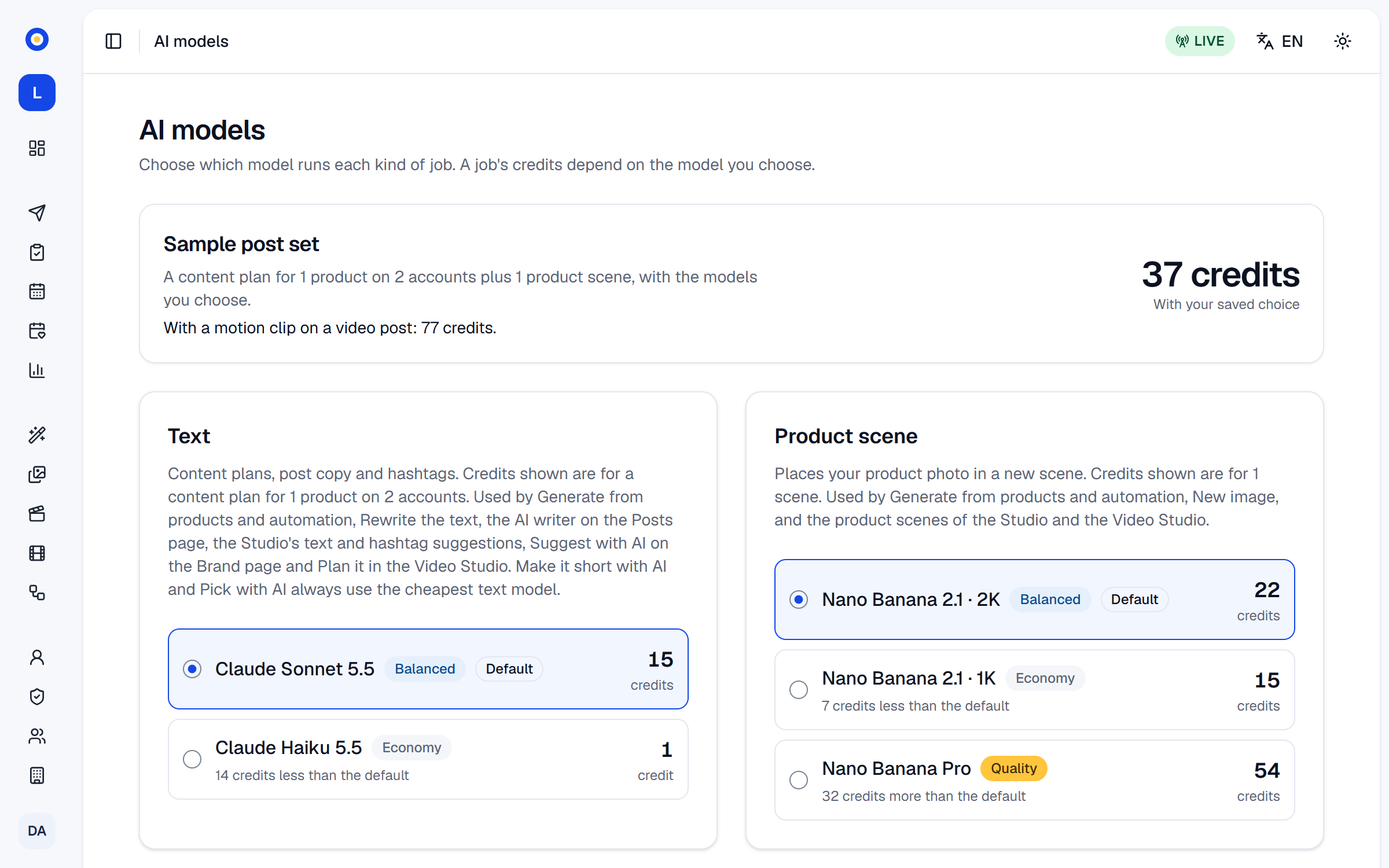
Tell SemPost how your brand speaks, which words to avoid and which hashtags to use. Choose the AI model for each kind of work and see what it costs in credits.
- Brand voice, banned words and hashtag sets
- Your logo on pictures, where you want it
- A cheaper or a stronger model for text, pictures, video and voice
- Daily and monthly credit budgets for the workspace
Team and security
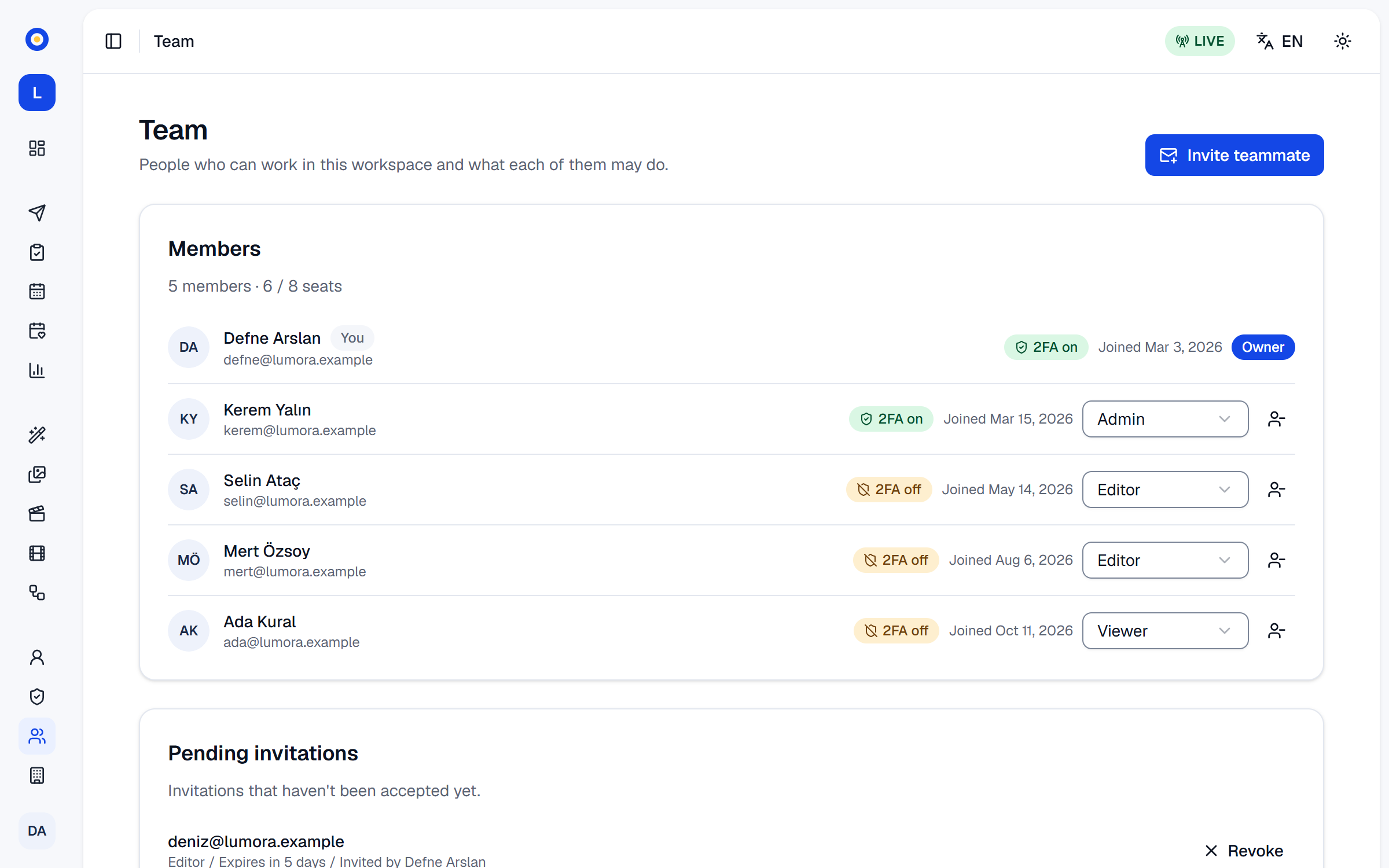
A team with clear roles
Invite the people you work with as owners, admins, editors or viewers. Every important change is in the audit log.
- Owner, admin, editor and viewer roles
- Two-step verification, which a workspace can require
- An audit log of who did what, and when
Stores and networks
Your store in, nine networks out
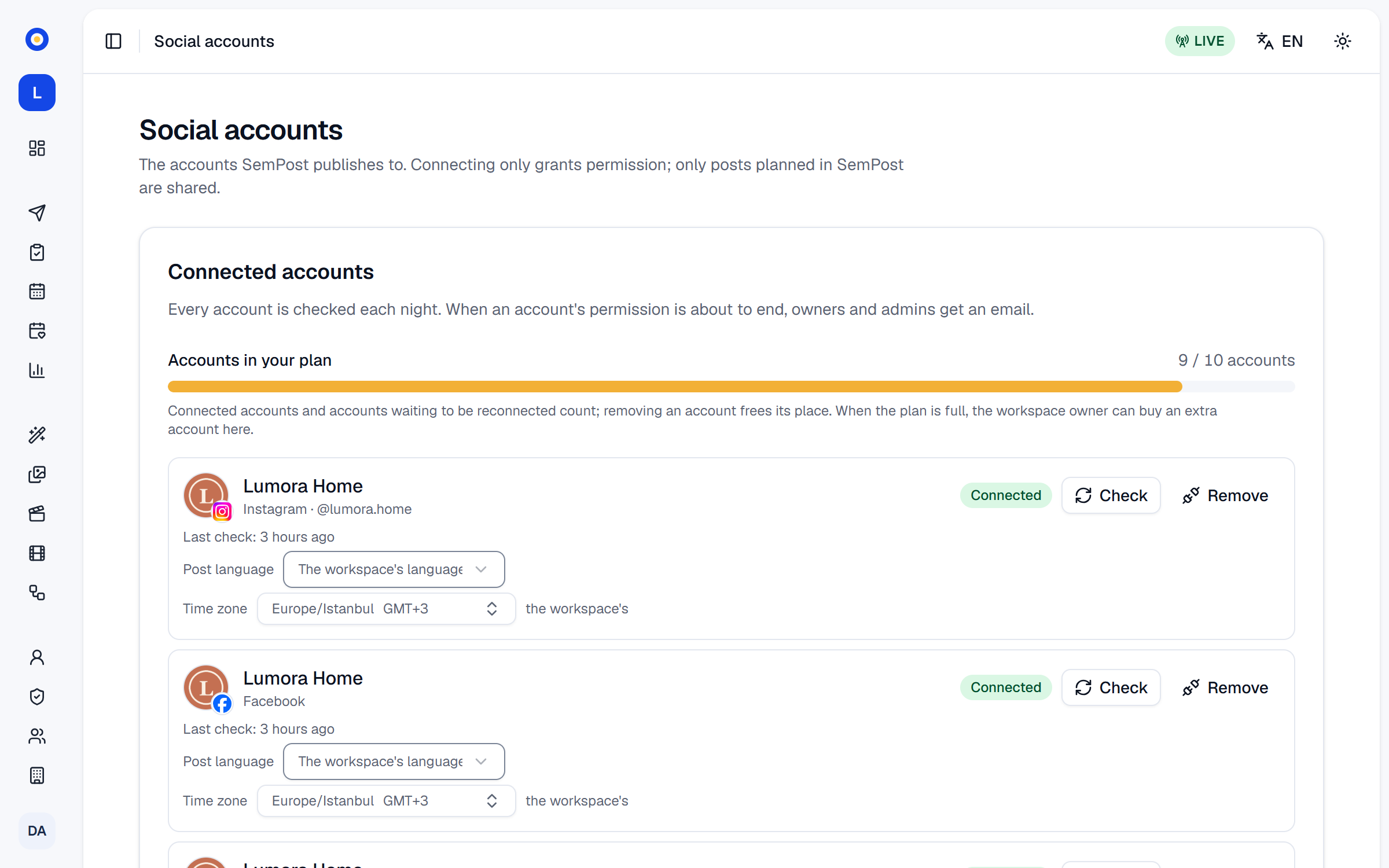
Connect a Shopify store through the App Store or your own app, a WooCommerce store, or paste any product page's address. Posts go to Instagram, Facebook, TikTok, Pinterest, YouTube, LinkedIn, Google Business Profile, Threads and Bluesky.
- Products, prices, stock and discounts read from the store
- Collections, tags, markets and catalogues to pick from
- Each network's formats and limits built in
See it with your own products
Seven days, 150 credits, no card. Connect a store and look at the first posts before you decide.