Product videos, built shot by shot
The Video Studio turns your product's photos into a video for Reels, TikTok and Shorts: AI camera moves, scenes that come alive, words on screen, music, a voiceover and a closing card. A free draft shows you the cut before the final costs anything.
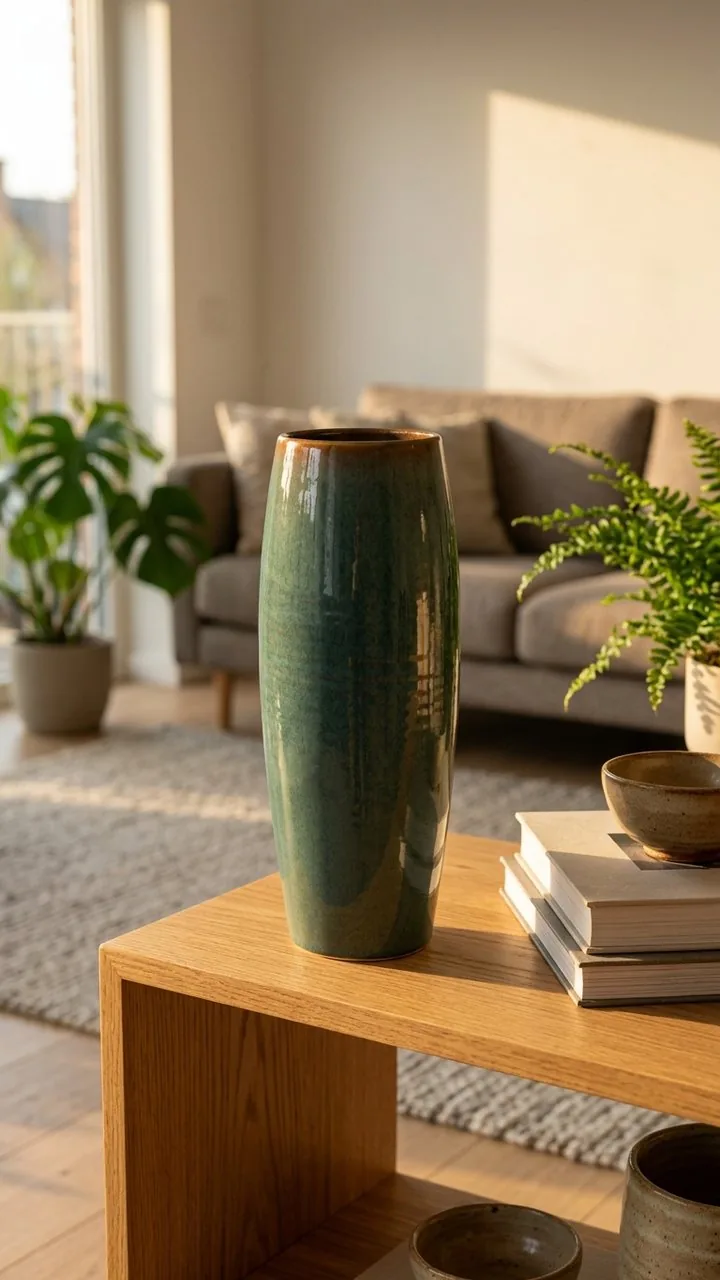
9:16
4:5
1:1
How it works
Start a project
Add up to 12 photos from your library, a store or a product page. A product fills in its name, price and the short lines a cut puts on screen.
Build the shots
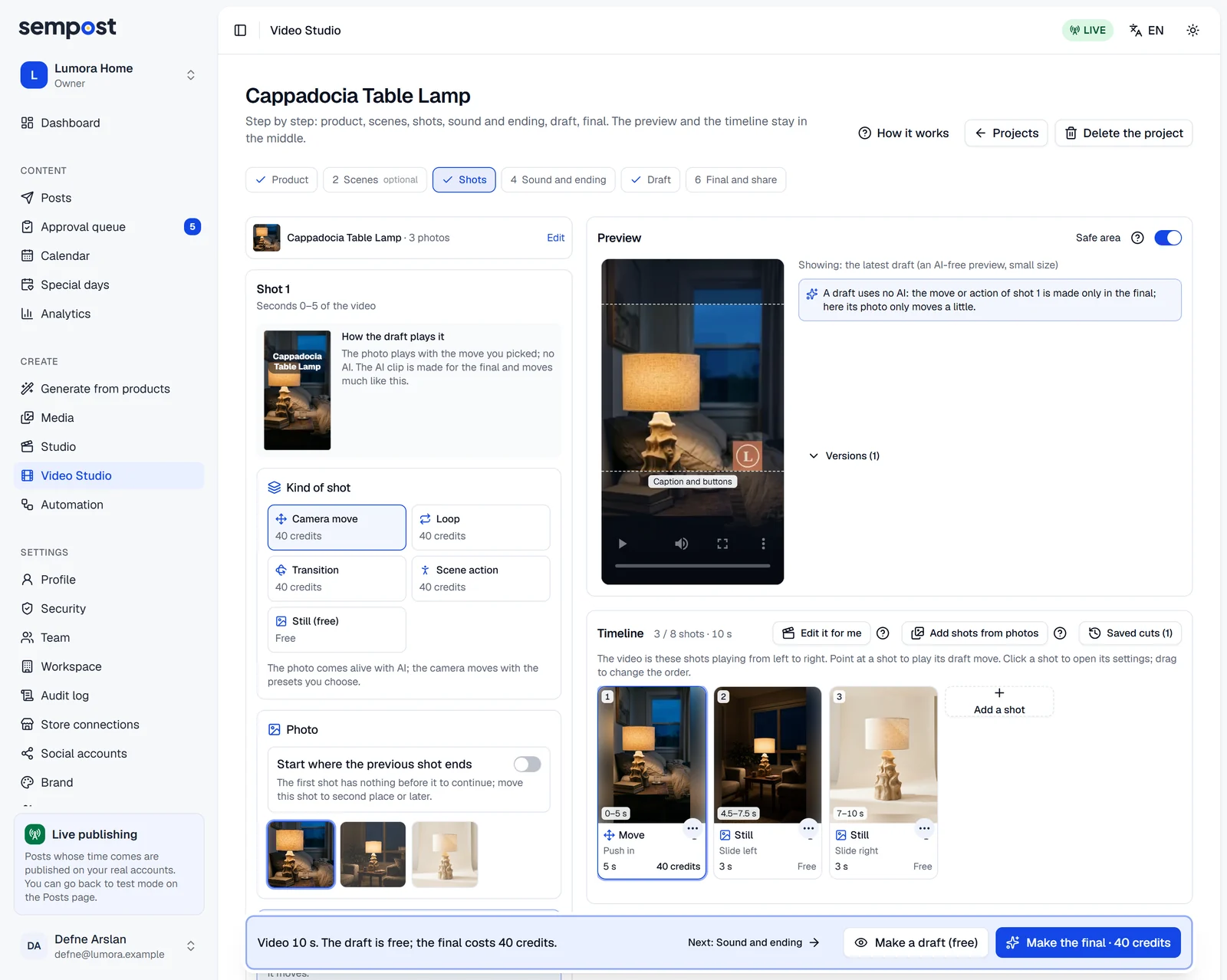
Each shot is a few seconds of one photo in motion: an AI camera move, a loop, a move from one photo to another, a scene that comes alive, or a free still. A ready-made cut builds the timeline in one click.
Add the sound and the ending
A closing card, music from SemPost's library, a voiceover and ambient sound made by AI. Every part is optional.
Watch a free draft
It shows the order, the timing, the words, the card and the music, usually in under a minute, without AI.
Make the final and share it
The final makes the AI shots and lands in your library in 9:16. Post it from the Studio, or download it.
Good to know
- 4:5, 1:1 and 16:9 copies, and up to two A/B variants with another opening, music or call to action, are made with the final at no extra cost.
- Describe your cut in a sentence, and the AI plans the shots from your words.
- Pick the AI model for each shot: a quality model keeps the product's shape and detail better and costs more.
- A safe area shows where Reels, TikTok and Shorts put their buttons and captions, so your words stay clear.
- A voiceover reads up to 1,400 characters in the voice you pick; the music steps down while it speaks.
- Videos with AI shots, a synthetic voice or AI ambient sound are marked as made with AI parts, and carry the networks' AI label where SemPost can set one.
Which plans include it
Every plan includes the Video Studio; plans differ in how much your media library holds. Drafts are free; the final pays for its AI shots, voiceover and ambient sound, and a 5-second AI shot on the default model takes 40 credits.
7-day trial
1 GB media library
Starter
1 GB media library
Growth
5 GB media library
Pro
10 GB media library
Agency
20 GB media library
Step by step in the help center
The guides walk through every screen, with examples.
- Make a product video in the Video StudioBuild a product video shot by shot, watch a free draft, then make the final and post it from the Studio or download it.
- Shots, camera moves and cutsEvery kind of shot in the Video Studio, its settings and its price, and the quick ways to build a timeline from your photos.
- Sound, the draft and the finalAdd a closing card, music, a voiceover and ambient sound, watch a free draft, then make the final, share it and see what it costs.
See it with your own products
Seven days, 150 credits, no card. Connect a store and look at the first posts before you decide.