Reference
Roles and what each can do
What viewers, editors, admins and owners can see and change in each part of SemPost, area by area.
Everyone in a workspace has one of four roles: viewer, editor, admin or owner. Each role can do everything the roles before it can, and more. SemPost checks the role with every action, not only in the menu: a page you can open may still be read-only for you, with a note such as Only owners and admins can change these settings.
To invite people and change their roles, see Invite your team and choose roles.
Area by area
A dash means the role adds nothing there to what the roles before it can do.
| Area | Viewer | Editor | Admin | Owner |
|---|---|---|---|---|
| Posts, Approval queue, Calendar | See posts and their history, the queue and the calendar | Write, edit, plan, move and delete posts; let the AI write them; send them for approval | Approve and reject posts | – |
| Publish mode and Approval and planning, on the Posts page | See | – | Change | – |
| Analytics | See | – | – | – |
| Generate from products, Studio, Video Studio | – | Use them | – | – |
| Media | See the library | Upload, delete and restore files | – | – |
| Automation | See the rules and their history | – | Create, change and delete rules, switch them on and off, run them now, pause all automation | – |
| Store connections | See | Check a store, browse its products | Connect and remove stores | – |
| Social accounts | See | Check an account | Connect and remove accounts, change an account's language, time zone and settings | – |
| Brand, AI models, Budget | See | – | Change | – |
| Workspace | See the settings | – | Change them, require two-factor authentication for the team, export the workspace's data | Delete the workspace, take the deletion back |
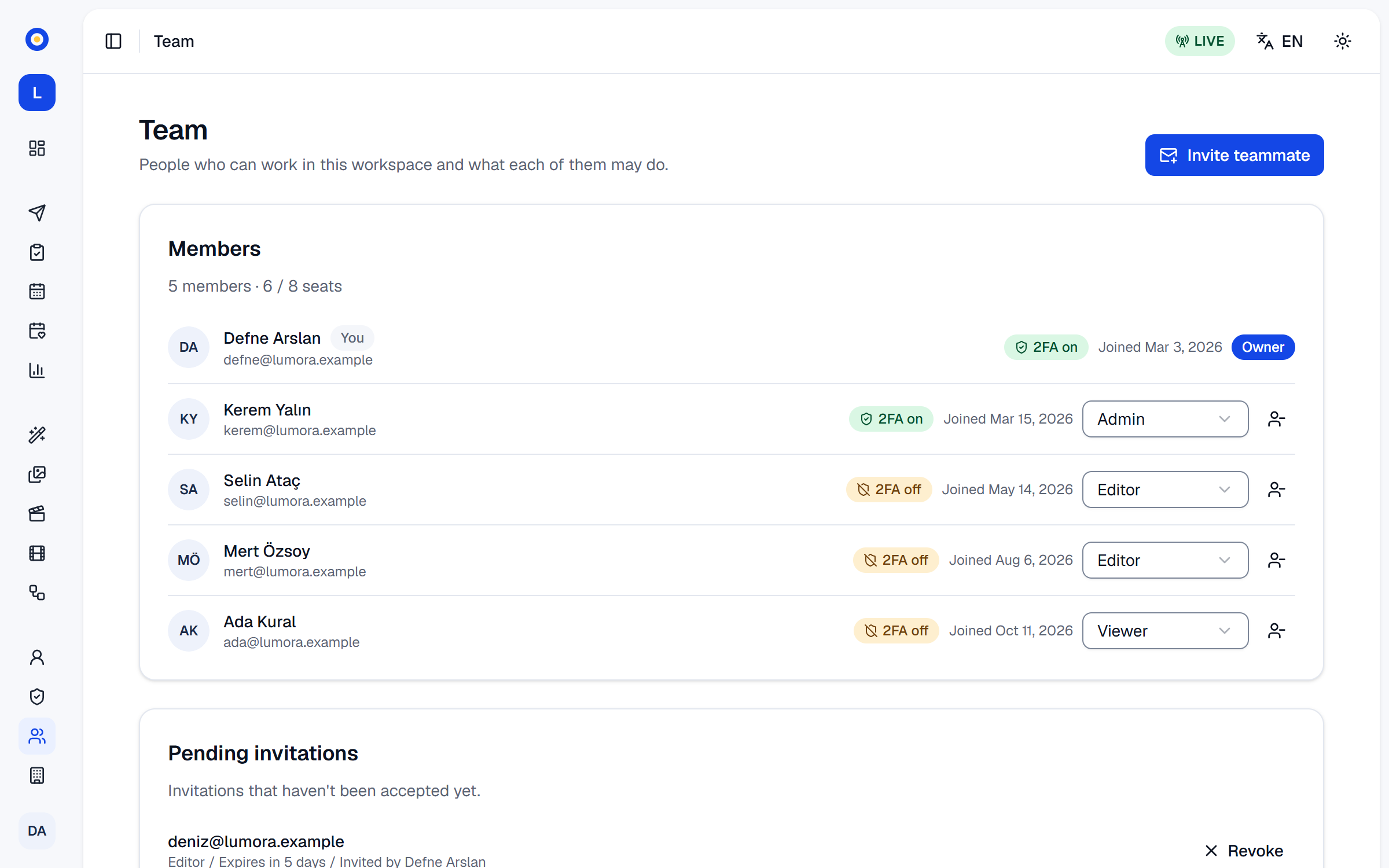
| Team | See the members | – | See pending invitations, invite people, revoke invitations, change roles up to admin, remove members | Make someone an owner, change an owner's role, remove an owner |
| Audit log | – | – | See | – |
| Billing | See the plan, the credits and their activity | – | – | Buy plans, credit packs and extra accounts, change or cancel the plan |
Which posts wait for an approver depends on the workspace's approval rule: see Who approves what: the approval rule.
An invitation is only as good as its sender's access: when a member is removed or given a lower role, the invitations they sent that are still open are revoked, and an invitation an owner sent can be revoked only by an owner.
Your own account
Whatever your role, you manage your own account in Settings › Profile and Settings › Security: your name, language, password, two-factor authentication and signed-in devices, a copy of your data, and deleting your account.
Everyone in a workspace sees its members' names, email addresses and roles on the Team page.
Seats
Every member takes a seat of your plan, whatever their role, and so does every pending invitation. Shopify staff who open SemPost from the Shopify admin become members too and take seats: when every seat is taken, a staff member sees SemPost's team for this shop is full. Members on the Team page shows how many seats are in use, such as 6 / 8 seats; how many your plan has is on the pricing page.