Explanation
How many accounts you can connect
See how many social accounts your plan includes, what counts toward the limit and what to do when every place is in use.
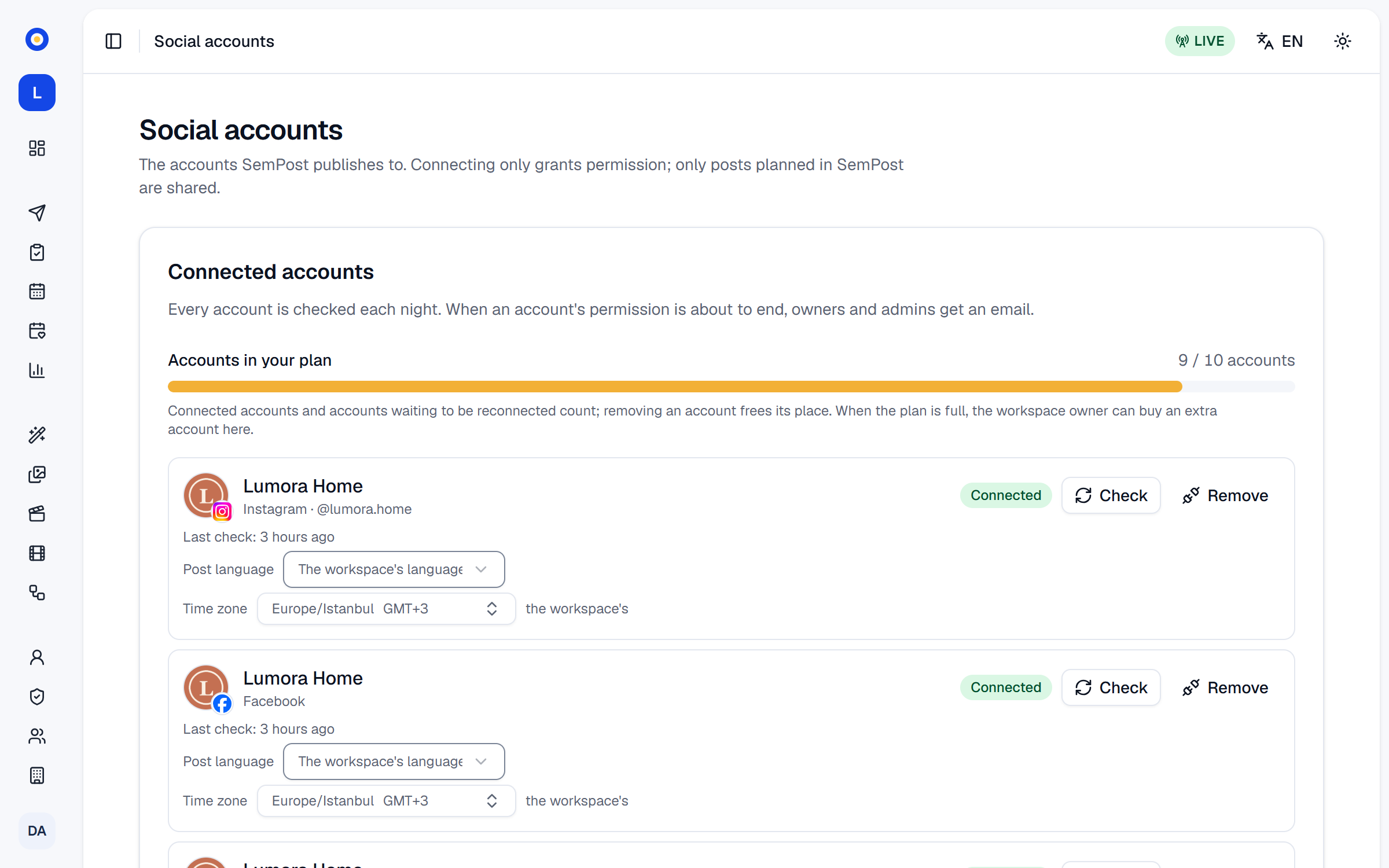
Each plan includes a number of social accounts. At the top of Settings › Social accounts, Accounts in your plan shows how many you use, for example 9 / 10 accounts.
Accounts in each plan
| Trial | Starter | Growth | Pro | Agency | |
|---|---|---|---|---|---|
| Credits each month | 150 | 800 | 2,000 | 5,000 | 12,000 |
| Social accounts | 2 | 2 | 5 | 10 | 25 |
| Stores | 1 | 1 | 2 | 5 | 15 |
| Team members | 3 | 1 | 3 | 8 | 20 |
| Automation rules | 2 | 2 | 10 | 30 | Unlimited (fair use: up to 100 switched on) |
| Analytics history | 30 days | 30 days | 90 days | 365 days | 365 days |
| Media library | 1 GB | 1 GB | 5 GB | 10 GB | 20 GB |
Extra social accounts you buy add to your plan's, and the bar counts them in.
What counts
- Every account in the list takes one place, whatever its network. A Facebook Page and the Instagram account linked to it are two accounts.
- An account that Needs reconnecting still counts. Reconnecting it doesn't take a second place.
- Removing an account frees its place at once.
- An Instagram account connected With Instagram and later With Facebook may show up twice, and then counts twice: remove the old row.
When every place is in use
The note under the bar then says Every account in your plan is in use. To connect another, remove one, buy an extra account or upgrade your plan. The Connect buttons are off, but Reconnect still works for the accounts in the list. You have three ways to make room:
- Remove an account you no longer post to, with Remove: see Nightly checks and reconnecting.
- Buy an extra account Owner: the owner finds Buy an extra account under the bar. Its window shows what's Due today (before tax) and at the Next renewal (before tax); Buy the extra account pays from your saved payment method. Then connect the account. In a workspace that pays through Shopify, the button is Add an extra account, and the account goes on your Shopify bill. See Extra social accounts.
- Upgrade your plan in Settings › Billing. The prices are on the pricing page.
An extra account stays on your bill until the owner presses Give one back in Settings › Billing: removing a social account doesn't give it back.
If something goes wrong
- All … social accounts in your plan are in use. The plan was full when the connection came back, for example because someone connected another account at the same time, or the network sent back another account than the one you reconnected. Make room as above, then connect again.
- There's no Buy an extra account button. Only the owner sees it, once every place is in use, and only on a running subscription: not during the free trial, once the subscription is cancelled or a payment has failed, or while a switch to monthly billing waits.